AI for Small Business: A Practical Guide to Getting Real Results in 2026
How small businesses can use AI to save time, win more customers, and grow without adding headcount. Use cases, costs, tools, and a step by step plan.
By the VANGAI team · · 12 min read

Key takeaways
- AI for small business means using artificial intelligence to handle repetitive work, answer customers faster, and make better decisions with the data you already have.
- The fastest wins are in customer communication, admin and bookkeeping, marketing content, and sales follow up.
- You do not need a data science team. Most small businesses start with tools they already pay for, plus one or two focused custom systems.
- Start with one painful workflow, measure hours saved, and expand from there.
What does AI for small business actually mean?
AI for small business is the practical use of artificial intelligence to help a small team do more with the time and money it has. It covers everything from an assistant that drafts emails, to a chatbot that answers customer questions at midnight, to an automation that reads invoices and enters them into your accounting software.
The important word is practical. Small businesses do not need moonshot research projects. They need systems that save hours this month, respond to customers faster, and reduce the number of tasks that fall through the cracks. Done well, AI feels less like new technology and more like a reliable extra team member who never gets tired.
Why AI matters more for small businesses than large ones
It is easy to assume AI is mainly for large corporations with big budgets. The opposite is often true. A large company that saves ten hours a week barely notices. A five person business that saves ten hours a week has effectively gained a quarter of a new employee.
Research supports the productivity case. A widely cited NBER study of generative AI at work found that customer support agents using an AI assistant resolved more issues per hour, with the largest gains among less experienced workers. McKinsey's analysis of generative AI estimates that current technology could automate activities that take up a large share of employees' time. For a small team, those gains translate directly into capacity, responsiveness, and growth.
Small businesses also have structural advantages:
- Fast decisions. Owners can approve a new system in a day rather than a quarter.
- Simpler systems. Fewer legacy tools means integrations are easier.
- Close customer relationships. Owners know exactly where customers get frustrated, which makes it easy to point AI at the right problems.
The biggest AI opportunities for small businesses
1. Customer communication
Customers expect fast answers. An AI assistant on your website, email, or messaging channels can answer common questions, share opening hours and prices, check order status, and book appointments around the clock. Complex or sensitive conversations go to a person with a full summary. Our guide to AI chatbots for customer service explains how to do this well.
2. Lead follow up and sales
Speed wins deals. Research published in Harvard Business Review found that firms responding to online leads quickly were far more likely to qualify them. AI can reply to every new inquiry within minutes, ask qualifying questions, and book meetings directly into your calendar. See AI lead generation for a deeper dive.
3. Admin, bookkeeping, and paperwork
Invoices, receipts, contracts, and intake forms consume hours every week. AI document processing can read these files and push the right information into your accounting, CRM, or project tools. Learn more in our AI document processing guide.
4. Marketing and content
AI can help draft blog posts, social captions, newsletters, product descriptions, and ad variations in your brand voice. A human still edits and approves, but the blank page problem disappears. Our AI marketing tools guide covers the options.
5. Scheduling and operations
Appointment booking, reminders, staff scheduling, and inventory alerts are ideal for automation. Customers notice immediately when reminders arrive on time and rescheduling is easy.
6. Reporting and decisions
Instead of assembling spreadsheets on a Sunday night, AI can pull numbers from your tools every morning and summarize what changed. Ask plain questions like "which services were most profitable last month?" and get clear answers. See AI data analytics.
How small businesses typically get started
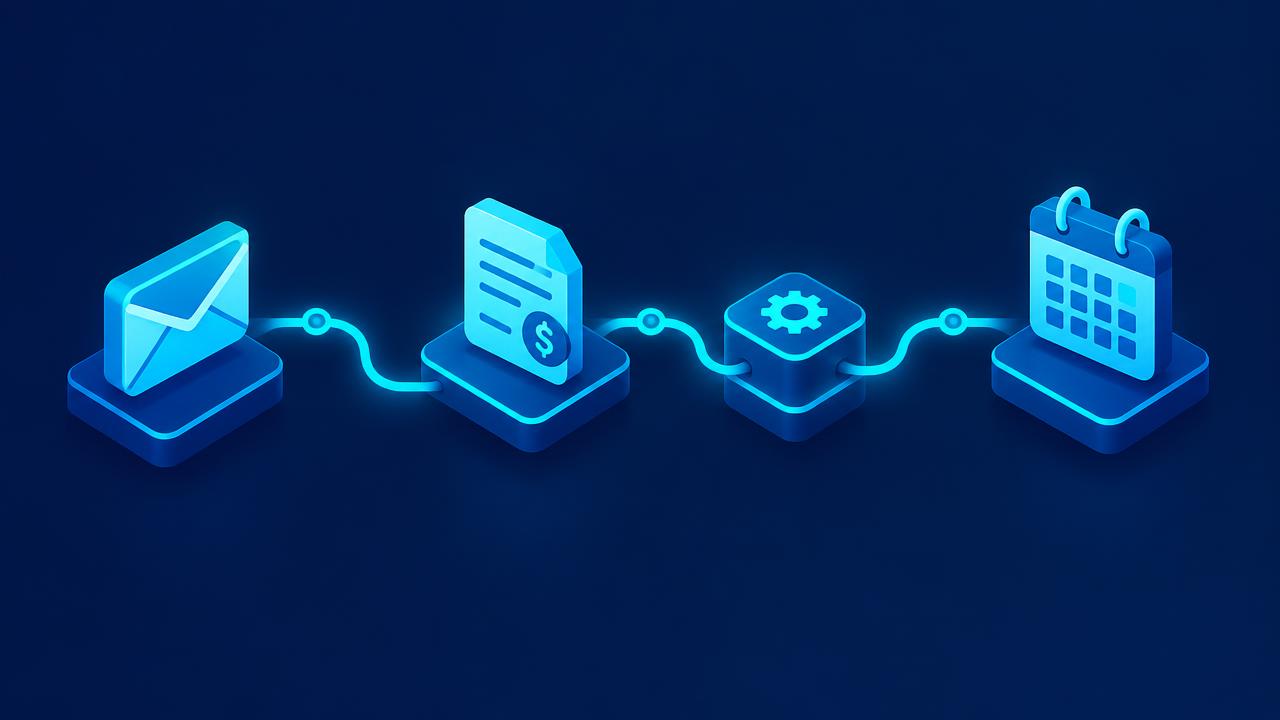
There are three common starting paths, and most businesses combine them over time.
Path 1: Turn on the AI already inside your tools
Many platforms you already use, such as email, office suites, CRMs, and accounting software, now include AI features. Turning these on is the fastest and cheapest first step. Use them for drafting, summarizing, and simple suggestions.
Path 2: Connect your tools with automation
The next level is connecting your apps so information flows automatically. A form submission creates a CRM record, sends a personalized reply, and schedules a follow up. AI steps handle reading, classifying, and writing. Our AI workflow automation guide walks through this step by step.
Path 3: Build a focused custom system
When a workflow is central to your business and off the shelf tools do not fit, a custom AI system can make a dramatic difference. Examples include a lead qualification agent that knows your exact criteria or an assistant trained on your service documentation. See our guide to custom AI solutions.
A step by step plan to adopt AI in your small business
Step 1: Run a one week time audit
Ask everyone on the team to note repetitive tasks that take more than ten minutes. At the end of the week, list them with frequency and time spent. You will usually find that a handful of tasks eat a surprising share of the week.
Step 2: Pick one high impact workflow
Choose a task that is frequent, predictable, and painful. Lead follow up, appointment reminders, invoice entry, and answering common questions are classic first projects.
Step 3: Define what success looks like
Write down the current baseline: hours per week, response time, errors, or missed opportunities. Decide what improvement would make the project clearly worthwhile.
Step 4: Choose the simplest solution that works
Check whether an existing tool can do the job before building something new. If not, consider an automation or a focused custom system. Simple beats clever.
Step 5: Keep a human in the loop
Start with AI drafting and humans approving. As accuracy is proven, let the system handle low risk cases on its own.
Step 6: Measure, share, and expand
After a few weeks, compare results with the baseline. Share the win with your team, then pick the next workflow from your list.
What does AI cost for a small business?
Costs vary widely, but they usually fall into three buckets:
- Software subscriptions: many AI features are included in tools you already pay for, while dedicated AI tools often charge a modest monthly fee per user.
- Usage fees: custom systems that call AI models pay based on volume, which is typically small for small business workloads.
- Setup and build: a partner may charge a project fee to design and build automations or custom systems.
The useful question is not "how much does AI cost?" but "how quickly does it pay back?" If a system saves ten hours a week, multiply those hours by the value of the person's time. Many well chosen projects pay for themselves within a few months. Our AI ROI guide shows how to calculate this.
Common mistakes small businesses make with AI
- Starting with the tool instead of the problem. Begin with a pain point, then find the right solution.
- Trying to do everything at once. One successful project builds more momentum than five half finished ones.
- Skipping the human review. AI can be confidently wrong. Keep people involved in anything that affects money, customers, or reputation.
- Feeding sensitive data into unvetted tools. Check where data goes and how it is used.
- Not training the team. People adopt what they understand. A short training session pays off quickly. See AI training for employees.
- Forgetting to measure. Without a baseline you cannot prove the value or improve the system.
Protecting your business and your customers
Responsible AI use is not only for large companies. A few simple practices go a long way:
- Write a short AI policy explaining which tools are approved and what data can be shared. Our AI policy guide includes a template structure.
- Be transparent with customers when they are talking to an AI assistant.
- Avoid making claims about AI that you cannot back up, a point the FTC has emphasized.
- Use reputable providers with clear data handling terms.
- Review outputs regularly and fix issues quickly.
The NIST AI Risk Management Framework is written for organizations of all sizes and is a useful reference even if you only apply its core ideas.
Real world scenarios
These illustrative scenarios reflect common patterns.
A local service business used to miss calls while technicians were on jobs. An AI receptionist now answers every call, books estimates, and texts a summary to the owner. See our AI receptionist guide.
A boutique agency spent hours each week writing client reports. An automation now gathers performance data and drafts a report that a manager reviews in minutes.
An online store was overwhelmed by order status emails. An AI assistant now answers these instantly using live tracking data and escalates only real problems.
A consulting practice struggled to follow up with every inquiry. An AI system now replies within minutes, asks qualifying questions, and books discovery calls automatically.
Skills your team needs
You do not need engineers to benefit from AI, but a few skills help everyone:
- Writing clear instructions for AI tools.
- Reviewing AI output critically for accuracy and tone.
- Knowing what data is safe to share.
- Spotting repetitive tasks that could be automated.
The World Economic Forum Future of Jobs Report lists AI and technology literacy among the fastest growing skills. Investing a few hours in training gives your team a lasting advantage.
Where AI for small business is heading
AI is moving from single tools toward connected systems and agents that can complete multi step tasks. For small businesses, that means more of the routine work of running a company will be handled automatically, from answering customers to reconciling invoices. The owners who learn to direct these systems now will compound the advantage over time. Read our guide to AI agents for business to see what is coming.
AI use cases by business type
Every small business is different, but the same patterns appear again and again. Here is how AI typically helps common types of small businesses.
Service businesses
Plumbers, electricians, cleaners, landscapers, and other service providers live and die by how quickly they respond to requests. AI can answer calls and messages instantly, collect job details and photos, book estimates, send reminders, and follow up after the job to request reviews. Dispatch and route planning can also benefit from AI suggestions.
Professional services
Accountants, consultants, agencies, and law practices sell expertise and time. AI helps by drafting proposals and reports, summarizing documents, preparing meeting notes, answering routine client questions, and tracking deadlines. Every hour saved on admin is an hour that can be billed or spent winning new clients.
Retail and ecommerce
Online and physical stores use AI to write product descriptions, answer order questions, recommend products, forecast inventory, and personalize email campaigns. AI can also analyze reviews to find recurring complaints or product ideas.
Health, wellness, and beauty
Clinics, studios, and salons use AI for appointment booking, reminders, intake forms, and follow ups, while keeping clinical or personal decisions with staff. Reducing no shows alone can have a big effect on revenue.
Hospitality and food
Restaurants, cafes, and small hotels use AI to handle reservations, answer common questions, respond to reviews, plan staffing, and analyze sales patterns to reduce waste.
Choosing between built in AI and a custom system
A common question is whether to rely on AI features inside existing software or invest in something tailored. A simple rule helps: use built in AI for generic tasks, and consider custom systems for workflows that are central to how you make money.
Built in features are great for drafting emails, summarizing documents, and simple suggestions. They are cheap and quick. However, they usually work inside one tool at a time and do not know your specific rules.
Custom systems shine when a workflow spans several tools, depends on your own criteria, or directly affects revenue. For example, a lead response system that checks your calendar, applies your qualification rules, updates your CRM, and sends a personalized reply is hard to build with built in features alone.
Most small businesses end up with a mix: built in AI everywhere for everyday productivity, plus one or two custom systems where they matter most.
Questions to ask before you start
Before investing time or money, answer these questions:
- Which task, if it disappeared tomorrow, would make the biggest difference to our week?
- How will we know the AI is doing a good job?
- What data will it need, and is that data reliable?
- Who will own the system and keep it running?
- What could go wrong, and how would we notice?
- How will we explain the change to our team and customers?
Clear answers here prevent most of the problems small businesses run into with AI.
How VANGAI helps small businesses
VANGAI is an all in one AI partner. We help small businesses find the workflows with the biggest payoff, build systems that fit the tools you already use, and keep improving them after launch. You get working results, clear metrics, and full ownership of everything we build.
The bottom line
AI for small business is not about replacing people or chasing trends. It is about giving a small team the leverage of a much larger one. Start with one painful workflow, measure the result, keep humans in control, and build step by step.
Want to know where AI would save your business the most time? Book a free discovery call and we will map it with you.
Frequently asked questions
How can a small business use AI?
Small businesses use AI to answer customer questions, follow up with leads, draft marketing content, process invoices and documents, schedule appointments, and summarize business data into clear reports.
Is AI affordable for small businesses?
Yes. Many AI features are included in tools you already pay for, and focused custom systems often pay for themselves within months through saved time and faster customer response.
What is the best first AI project for a small business?
Pick a frequent, predictable, painful task such as lead follow up, appointment reminders, invoice entry, or answering common customer questions. Measure the baseline so you can prove the result.
Do I need technical skills to use AI in my business?
No. Most small businesses start with built in AI features and simple automations. For more advanced systems, a partner can handle the technical work while your team focuses on using it well.
Will AI replace my employees?
For most small businesses, AI removes repetitive tasks rather than roles. It frees your team to spend more time with customers and on work that grows the business.
Sources and further reading
Ready to put this into action?
Book a free discovery call and we will map the highest impact AI opportunities for your business.
Book a Call →