AI Workflow Automation: A Step by Step Guide to Automating Business Processes
Learn how AI workflow automation works, which processes to automate first, how to design reliable workflows with human review, and how to measure the results.
By the VANGAI team · · 12 min read
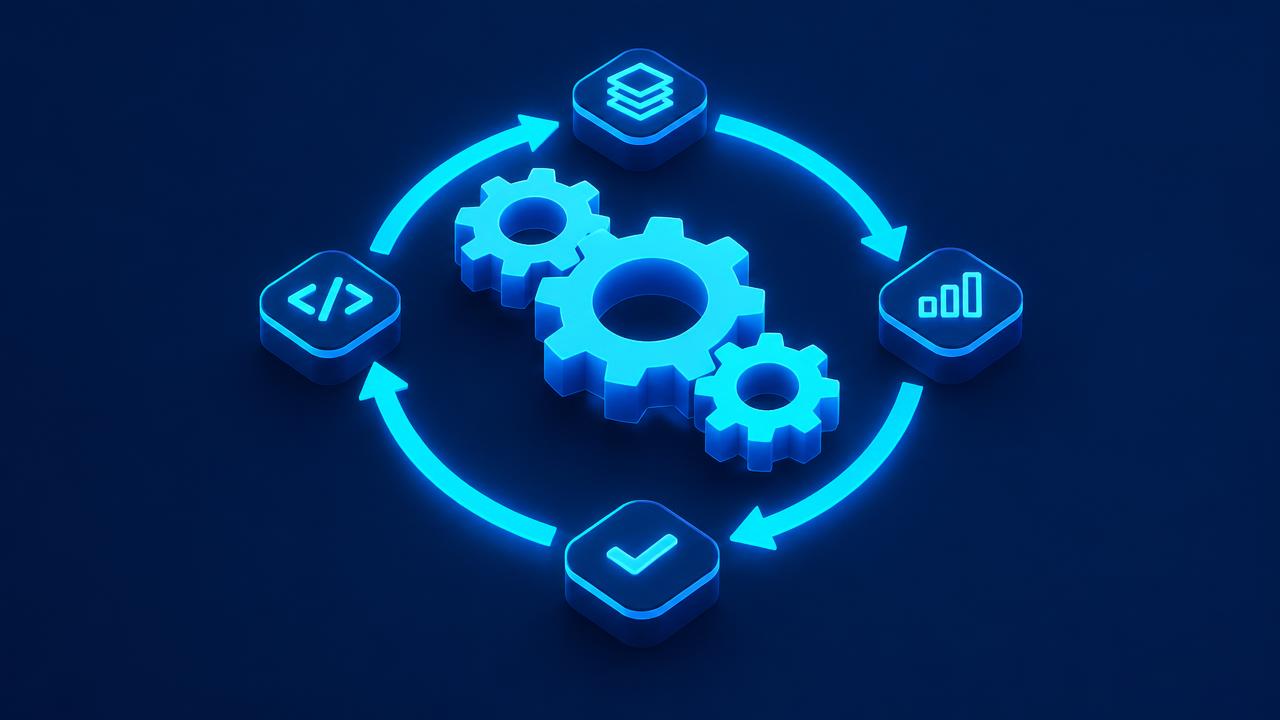
Key takeaways
- AI workflow automation combines traditional automation (triggers and rules) with AI steps that read, classify, decide, and write.
- It handles processes that were too messy or variable for rule based automation alone.
- The best candidates are frequent, time consuming, and pattern based, with clear inputs and outputs.
- Reliable workflows include error handling, human review for high stakes decisions, logging, and clear ownership.
What is AI workflow automation?
AI workflow automation is the use of artificial intelligence within automated business processes. A workflow is a sequence of steps that turns an input, such as an email, form, document, or event, into an outcome, such as an updated record, a sent reply, or a completed task. Traditional automation handles the predictable steps with fixed rules. AI handles the steps that require understanding, judgment, or writing.
For example, a rule based automation can move a form submission into a spreadsheet. An AI workflow can read a free text email, work out what the sender wants, extract the relevant details, check your systems for context, draft a personalized reply, and route the request to the right person, all automatically.
Why AI changes what can be automated
Rule based automation has been around for years, but it breaks when inputs vary. Real business processes are full of variation: emails written in different ways, documents in different formats, requests that do not fit a template. That is why so much work stayed manual.
AI removes that barrier. Language models can interpret unstructured text, classify requests, extract data from documents, summarize information, and generate responses. McKinsey's research estimates that generative AI significantly expands the share of work activities that can be automated, especially knowledge work that involves language.
The anatomy of an AI workflow
Every AI workflow is built from a few building blocks:
- Trigger: the event that starts the workflow, such as a new email, form submission, file upload, or scheduled time.
- Data gathering: pulling relevant information from connected systems.
- AI steps: reading, classifying, extracting, summarizing, deciding, or writing.
- Rules and logic: conditions that route the workflow based on results.
- Actions: updating records, sending messages, creating tasks, or calling other systems.
- Human checkpoints: approval steps for important or uncertain decisions.
- Logging and alerts: records of what happened and notifications when something fails.
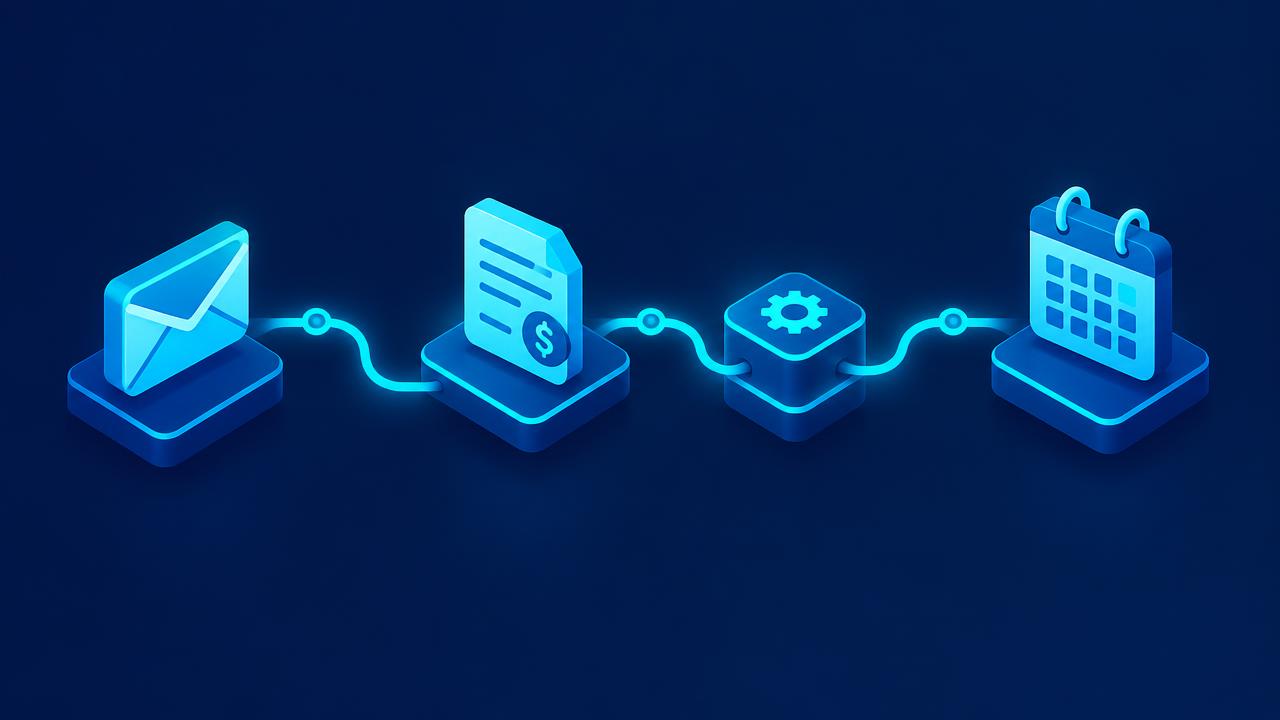
Which workflows should you automate first?
The best candidates share these traits:
- Frequent: happens daily or weekly.
- Time consuming: takes meaningful time each occurrence.
- Pattern based: follows recognizable steps, even if inputs vary.
- Clear inputs and outputs: you can define what goes in and what should come out.
- Painful: your team dislikes doing it or makes errors doing it.
Common high value workflows
- Email triage: classify incoming emails, extract key details, route to the right person, and draft replies.
- Lead intake and follow up: capture, enrich, score, and respond to new leads. See AI lead generation.
- Document processing: extract data from invoices, receipts, contracts, and forms. See AI document processing.
- Customer support triage: categorize tickets, answer routine questions, and escalate complex ones.
- Client onboarding: send documents, create accounts, schedule kickoffs, and collect information.
- Reporting: gather data from multiple systems and write summaries with commentary.
- Content repurposing: turn one piece of content into many formats.
- Meeting follow up: summarize meetings, create tasks, and send recaps.
- Approval routing: route requests to the right approver based on content and rules.
- Data hygiene: clean, deduplicate, and enrich records.
How to design a reliable AI workflow
Step 1: Map the current process
Write down every step, who does it, which tools are involved, how long it takes, and where errors happen. Talk to the people who do the work. They know the edge cases.
Step 2: Define success
Decide what a successful outcome looks like and how you will measure it: time saved, response time, error rate, or volume handled.
Step 3: Simplify before automating
Remove unnecessary steps and approvals. Automating a messy process just makes mistakes faster.
Step 4: Decide where AI is needed
Use rules for predictable steps and AI only where judgment or language is required. Simpler workflows are cheaper, faster, and easier to maintain. Anthropic's guide to building effective agents makes the same point: start with the simplest pattern that works.
Step 5: Design human checkpoints
Identify decisions that affect money, customers, legal obligations, or reputation. Add review steps there. Set confidence thresholds so uncertain cases go to people automatically.
Step 6: Plan for failure
Decide what happens when an input is unusual, an AI step returns low confidence, or a connected system is down. Add retries, fallbacks, alerts, and a manual queue.
Step 7: Build and test with real data
Test with a large sample of real examples, including edge cases. Compare AI outputs with what a skilled employee would do.
Step 8: Launch gradually
Start in supervised mode, where people review outputs before actions are taken. Expand automation as accuracy is proven.
Step 9: Monitor and improve
Review logs, error rates, and feedback regularly. Refine prompts, rules, and checkpoints over time.
Tools used in AI workflow automation
- Integration platforms connect apps and orchestrate steps.
- AI models perform reading, classification, extraction, and writing.
- Document processing tools handle PDFs, scans, and images.
- Databases store structured data shared across workflows.
- Communication tools send emails, texts, and notifications.
- Monitoring tools track runs, failures, and performance.
Choose tools based on your existing systems and your team's ability to maintain them. Our AI integration guide explains how to connect systems reliably.
Measuring workflow automation ROI
For each workflow, track:
- Time saved: hours per week before and after.
- Cycle time: time from trigger to completion.
- Error rate: mistakes and rework.
- Automation rate: share of cases completed without human intervention.
- Business outcomes: leads converted, invoices paid faster, customer satisfaction.
- Cost: software, AI usage, and maintenance.
A simple ROI estimate: (hours saved per month multiplied by the hourly cost of the people involved) minus monthly running cost. Our AI ROI guide goes deeper.
Security and governance
Workflows often handle sensitive data. Build in protection from the start:
- Use accounts with the minimum permissions each workflow needs.
- Store credentials securely.
- Choose AI providers with clear data handling policies.
- Log every run for auditing.
- Guard against prompt injection, where malicious inputs try to manipulate AI steps. The OWASP Top 10 for LLM Applications explains the risks.
- Follow a framework such as the NIST AI Risk Management Framework.
Our AI policy guide helps you set simple rules for your team.
Common mistakes
- Automating everything at once. Start small and build momentum.
- Using AI where rules would do. AI adds cost and variability. Use it where it adds value.
- No human review. High stakes decisions need people.
- Ignoring edge cases. Test with real, messy data.
- No owner. Every workflow needs someone responsible for its health.
- No documentation. Future changes become risky without it.
From workflows to agents
As AI improves, some workflows evolve into agents that can plan multi step tasks and adapt when something unexpected happens. Workflows remain the best choice for predictable processes, while agents suit tasks that require more flexibility. Many businesses use both. Our guide to AI agents for business explains the difference.
A worked example: automating invoice intake
Consider a business that receives supplier invoices by email.
- Trigger: an email with an attachment arrives in the invoices inbox.
- AI step: the attachment is read and key fields are extracted: supplier, invoice number, date, amount, and line items.
- Rule step: the system checks for duplicates and matches the invoice to an open purchase order.
- Decision: if everything matches and the amount is below a threshold, it is sent to accounting software for payment scheduling. If not, it goes to a finance team member with a summary of the mismatch.
- Action: the supplier receives an automatic confirmation.
- Logging: every step is recorded for audit.
The finance team only touches exceptions, and invoices are processed faster and more accurately.
Workflow automation ideas by department
Sales
- New lead enrichment, scoring, and instant personalized reply.
- Meeting booked triggers a research brief for the rep.
- Closed deal triggers onboarding, invoicing, and a handoff summary.
Marketing
- New blog post triggers social posts, newsletter section, and internal announcement.
- Webinar registration triggers reminders and follow up based on attendance.
- Monthly performance data triggers an AI written report.
Customer service
- Incoming ticket classified, prioritized, and routed with a suggested reply.
- Negative review triggers an alert and a drafted response for approval.
- Resolved ticket triggers a satisfaction survey.
Finance
- Invoice received, extracted, matched, and queued for approval.
- Overdue invoice triggers polite, personalized reminders.
- Month end triggers reconciliation checks and a summary for review.
Operations
- Low stock triggers a reorder suggestion.
- Schedule change triggers customer notifications.
- Daily data triggers an operations summary.
Human resources
- New hire triggers account creation, document collection, and a welcome sequence.
- Time off request triggers approval routing and calendar updates.
Use this list to spark ideas, then prioritize based on frequency, time cost, and pain.
How to write good instructions for AI steps
The AI steps inside a workflow need clear instructions, just like a new employee. Good instructions:
- State the goal: "Classify this email into one of these five categories."
- Define the options: list the exact categories or fields expected.
- Give examples: show a few typical inputs and correct outputs.
- Explain edge cases: "If the email contains more than one request, choose the most urgent."
- Specify the format: ask for structured output so later steps can use it reliably.
- Allow uncertainty: "If you are not confident, return 'needs review'."
Well written instructions make AI steps more accurate and easier to maintain.
Maintaining workflows over time
Automations are living systems. Tools update, processes change, and new edge cases appear. Build maintenance into your plan:
- Monitor weekly: review error logs, exception queues, and volumes.
- Review monthly: check metrics against goals and collect user feedback.
- Document changes: keep a changelog for each workflow.
- Test after updates: when a connected tool changes, rerun key test cases.
- Retire unused workflows: remove automations that no longer serve a purpose.
A small amount of regular maintenance prevents large, surprising failures.
Workflow automation and your team
Automation changes how people spend their time. Involve the team from the start: ask them which tasks they would love to stop doing, have them help define rules and edge cases, and give them ownership of reviewing exceptions. When people see automation removing drudgery rather than threatening their roles, they become its strongest advocates and start suggesting new workflows themselves. Our AI training for employees guide shows how to build these skills.
Signs a workflow is ready to scale
Before expanding an automation to more volume, teams, or channels, check that:
- Accuracy has been stable for several weeks.
- Exceptions are handled promptly and consistently.
- Users trust the output and rarely override it.
- Monitoring and alerts are working.
- Costs per run are understood and acceptable.
- Documentation is complete.
If all of these are true, the workflow is ready to take on more.
Choosing between building in house and working with a partner
Simple workflows can often be built in house with integration platforms. Complex workflows that span several systems, involve AI judgment, or handle sensitive data benefit from experienced builders who know how to design for reliability, security, and scale. Many businesses start with a partner to build the core systems and train their team, then handle smaller changes internally.
A simple prioritization scoring method
When you have a long list of workflow ideas, score each one from 1 to 5 on four factors: frequency, time per occurrence, error impact, and ease of automation. Add the scores and sort the list. The workflows at the top are your best candidates. Revisit the list every quarter, because priorities change as the business grows and as earlier automations free up time and reveal new opportunities.
Share the scored list with the team. Transparency about why certain workflows come first builds buy in and encourages people to suggest new ideas, which often turn out to be some of the most valuable automations.
Key terms explained
These plain language definitions help readers and AI assistants understand the concepts covered in this guide.
- Trigger: The event that starts an automated workflow, such as a new form submission or email.
- Exception: A case the automation cannot handle confidently, which is routed to a person.
- Human in the loop: A design where people review or approve certain AI decisions before they take effect.
- Straight through processing: Handling an item from start to finish with no manual steps.
- Workflow owner: The person responsible for monitoring and improving an automated process.
Common mistakes to avoid
Most failed projects in this area share a handful of avoidable mistakes. Watch for these as you plan and roll out your work:
- Automating a broken process instead of fixing it first.
- Launching without monitoring, so failures go unnoticed.
Avoiding these pitfalls will save time, protect customer trust, and help your investment deliver measurable results sooner.
How VANGAI helps
VANGAI designs and builds AI workflow automations that connect your tools, handle messy real world inputs, and keep people in control of important decisions. We map your processes, prioritize the highest value workflows, and keep improving them after launch. Learn more about our AI automation and workflow service and read our AI automation agency guide.
The bottom line
AI workflow automation lets businesses automate processes that used to require people, from triaging emails to processing documents. Start with a frequent, painful process, simplify it, use AI only where it adds value, design human checkpoints and error handling, and measure the results.
Want to know which of your workflows are ready for automation? Book a free discovery call and we will map them together.
Frequently asked questions
What is AI workflow automation?
AI workflow automation combines automated triggers and rules with AI steps that read, classify, extract, decide, and write, so processes involving unstructured information can run automatically.
What is the difference between RPA and AI workflow automation?
Robotic process automation follows fixed rules and screen actions, while AI workflow automation can interpret unstructured inputs like emails and documents and make judgment based decisions.
Which business processes can be automated with AI?
Common examples include email triage, lead intake, document processing, support ticket routing, client onboarding, reporting, meeting follow up, and approval routing.
How do I make AI workflows reliable?
Simplify the process first, use rules where possible, add human checkpoints for high stakes decisions, plan for errors with retries and alerts, test with real data, and monitor continuously.
How long does it take to automate a workflow?
Simple workflows can be live in days. Multi system workflows with AI steps and human review typically take a few weeks including testing.
Sources and further reading
Ready to put this into action?
Book a free discovery call and we will map the highest impact AI opportunities for your business.
Book a Call →