AI CRM: How to Turn Your CRM Into an Intelligent Growth Engine
What an AI CRM is, the most valuable AI features, how to prepare your data, integration options, and a rollout plan that gets your team using it every day.
By the VANGAI team · · 12 min read
Key takeaways
- An AI CRM uses artificial intelligence to capture data automatically, surface insights, predict outcomes, and recommend next actions.
- The most valuable features are automatic activity capture, lead and deal scoring, conversation summaries, next best action suggestions, and natural language reporting.
- Clean, consistent data is the foundation. AI cannot fix a messy CRM on its own.
- You can add AI to your existing CRM through built in features, integrations, or custom agents.
What is an AI CRM?
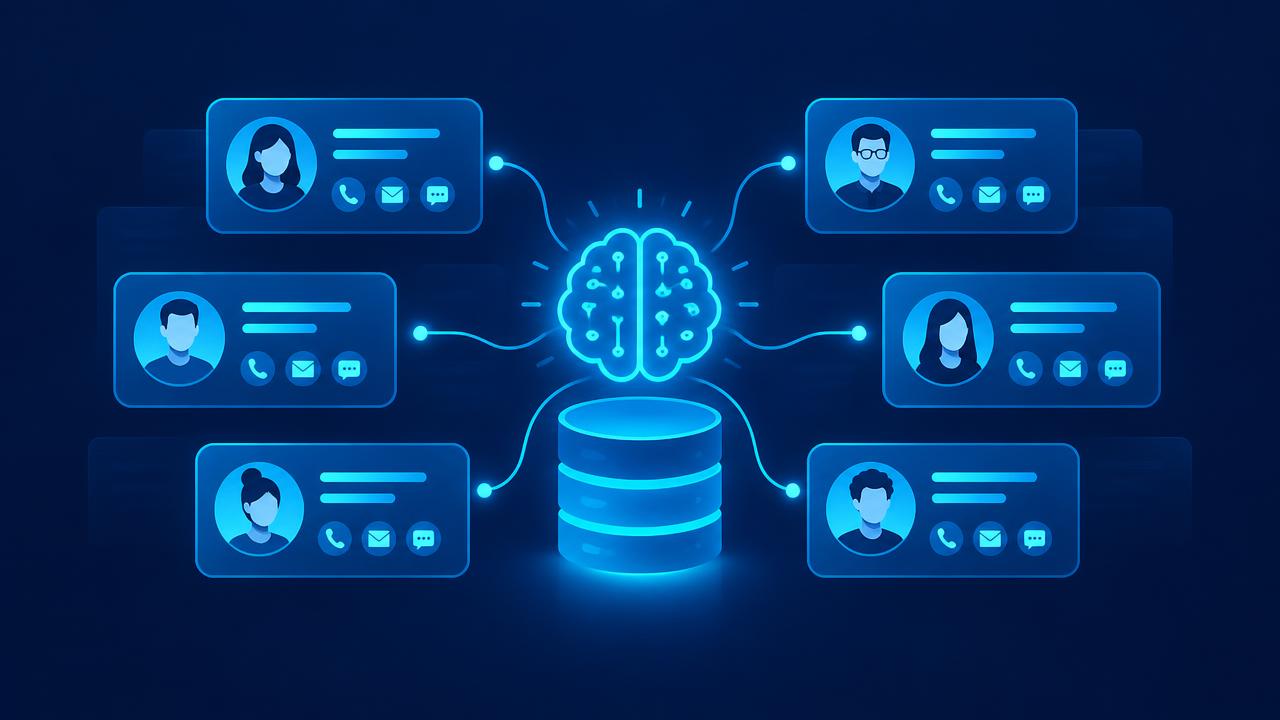
An AI CRM is a customer relationship management system enhanced with artificial intelligence. Instead of being a database that salespeople must manually update, it becomes an active assistant that captures information automatically, understands customer interactions, predicts which deals will close, and suggests what to do next.
Traditional CRMs have a well known problem: they depend on people entering data, and people are busy. The result is incomplete records, outdated pipelines, and reports nobody trusts. AI changes that by doing much of the data work itself and turning the CRM into a source of genuine insight.
Why businesses are adopting AI CRMs
Three pressures are driving adoption.
Time. Salespeople spend a large share of their week on administrative work. Industry research such as Salesforce's State of Sales has repeatedly highlighted how little time reps spend actually selling. Automating CRM updates gives much of that time back.
Data quality. When data entry is automatic, records are more complete and accurate. Better data leads to better decisions.
Competition. Customers expect fast, personalized responses. An AI CRM helps teams respond quickly with full context, every time.
The most valuable AI CRM features
Automatic activity capture
AI logs emails, calendar events, calls, and messages to the right contact and deal automatically. No more copying notes or forgetting to update records.
Conversation summaries
After a call or meeting, AI generates a summary with key points, objections, decision makers, and next steps, and saves it to the CRM.
Lead scoring
AI ranks leads based on fit and behavior so salespeople focus on the most promising prospects. See our AI lead generation guide.
Deal scoring and risk alerts
AI analyzes engagement signals, such as response times, meeting frequency, and stakeholder involvement, to flag deals that are healthy or at risk.
Next best action
Based on the deal stage and recent activity, AI suggests the most useful next step, such as sending a case study, scheduling a demo, or involving a decision maker.
Email drafting
AI drafts personalized follow ups using CRM history and conversation notes. Reps review and send.
Data enrichment
AI fills in missing company and contact information from reliable sources.
Duplicate detection and cleanup
AI finds and merges duplicate records and standardizes fields.
Natural language reporting
Leaders can ask questions such as "which deals over a certain size are likely to close this quarter?" and receive clear answers without building reports manually.
Forecasting
AI improves forecast accuracy by analyzing historical patterns and current pipeline signals.
Preparing your CRM for AI
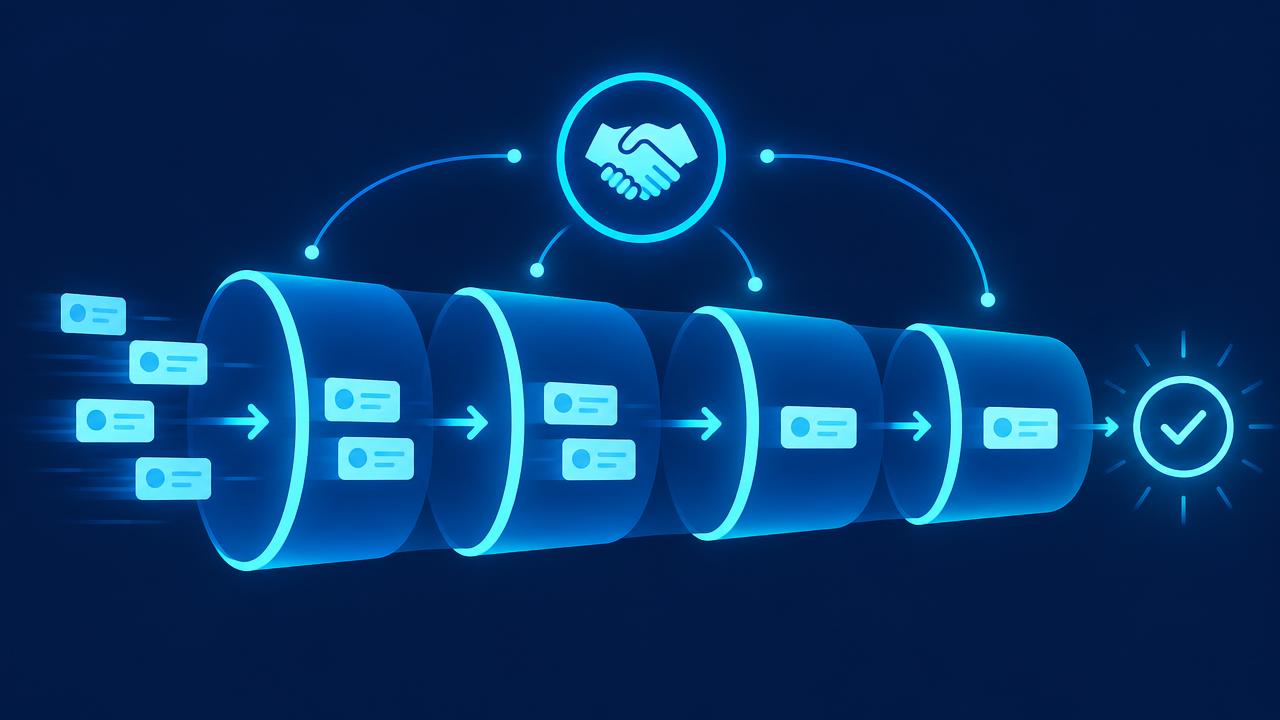
AI amplifies whatever data it has. If your CRM is messy, AI will produce messy insights. Prepare with these steps.
1. Define your pipeline clearly
Make sure every stage has a clear definition and exit criteria. AI can only predict outcomes if stages mean the same thing for everyone.
2. Standardize key fields
Agree on required fields, picklist values, and naming conventions. Consistency makes analysis possible.
3. Clean existing data
Remove duplicates, archive dead records, and fill critical gaps. AI tools can help with this, but a human should oversee the rules.
4. Connect communication channels
Integrate email, calendar, phone, and messaging so activity flows into the CRM automatically.
5. Track outcomes
Record why deals are won or lost. These outcomes train AI scoring and forecasting over time.
6. Set access controls
Decide who can see and edit what. AI features should respect the same permissions.
Three ways to add AI to your CRM
Option 1: Built in AI features
Most major CRMs now include AI capabilities. These are the easiest to adopt because they work inside the tool your team already uses. They are ideal for summaries, drafting, and basic scoring.
Option 2: Integrations
Specialist tools for conversation intelligence, enrichment, scheduling, and forecasting can connect to your CRM. They often go deeper in their area than built in features.
Option 3: Custom AI agents
When your process has unique rules or spans several systems, a custom AI agent can read from and write to your CRM while also working with other tools. For example, an agent might qualify inbound leads using your criteria, check inventory or availability, update the CRM, and book a meeting. See our guide to AI agents for business.
Many businesses combine all three. Our AI integration guide explains how to connect everything reliably.
Rolling out an AI CRM successfully
Step 1: Set goals
Examples: reduce admin time per rep, improve forecast accuracy, increase speed to lead, or improve win rate.
Step 2: Measure the baseline
Record current performance so you can prove improvement.
Step 3: Start with automatic capture and summaries
These features save time immediately and improve data quality, which makes every other AI feature better.
Step 4: Add scoring and alerts
Once data is flowing, introduce lead scoring, deal risk alerts, and next best action suggestions.
Step 5: Train the team
Show reps how the AI CRM saves them time and helps them win. Collect feedback and adjust.
Step 6: Review and refine
Check scoring accuracy against real outcomes. Adjust rules and models as you learn.
Metrics to track
- Time spent on CRM admin per rep.
- Data completeness for key fields.
- Speed to lead.
- Lead to opportunity conversion rate.
- Win rate and sales cycle length.
- Forecast accuracy.
- Adoption rate of AI features.
Common AI CRM mistakes
- Expecting AI to fix bad data automatically. Clean the foundation first.
- Turning on every feature at once. Introduce features gradually so teams can adapt.
- Ignoring rep feedback. If the AI suggestions are not useful, reps will ignore them.
- Not tracking outcomes. Without win and loss data, predictions cannot improve.
- Over trusting scores. Scores guide attention. They do not replace judgment.
Privacy and security
CRMs hold sensitive customer data, so AI features must be implemented carefully.
- Review how AI vendors process and store data.
- Respect privacy laws such as GDPR where they apply.
- Limit AI access to the data it needs.
- Log AI actions for accountability.
- Follow guidance such as the NIST AI Risk Management Framework and the OWASP Top 10 for LLM Applications.
AI CRM beyond sales
An AI CRM is valuable across the customer lifecycle:
- Marketing: better segmentation and personalization based on CRM data. See AI email marketing.
- Customer service: agents see full customer context and AI suggested replies.
- Account management: AI flags expansion opportunities and churn risks.
- Leadership: real time visibility into pipeline, revenue, and customer health.
Where AI CRMs are heading
CRMs are evolving from systems of record into systems of action. Increasingly, AI agents inside the CRM will not just suggest next steps but carry them out under human supervision, such as sending a follow up, booking a meeting, or updating a forecast. The businesses that invest in clean data and clear processes today will be ready to benefit.
What an AI CRM day looks like for different roles
Sales representative
A rep starts the day with a prioritized list of leads and deals, each with a short explanation of why it matters today. Before each call, a brief summarizes the account, recent interactions, and suggested questions. After the call, notes and next steps appear automatically, and a follow up email is drafted for review. The rep spends most of the day talking to customers instead of updating fields.
Sales manager
A manager opens a pipeline view that highlights deals at risk, reps who may need support, and changes since last week. Instead of chasing updates in meetings, the manager asks the CRM questions in plain language and focuses coaching time where it matters most.
Marketing lead
Marketing sees which campaigns produce leads that actually convert, not just leads in general. AI segments contacts by behavior and fit, making campaigns more relevant and easier to measure.
Business owner
The owner receives a weekly summary of pipeline health, forecast, revenue trends, and risks, written in plain language, with links to the underlying data.
Choosing between CRM platforms with AI
If you are selecting a new CRM or evaluating whether to switch, consider:
- Fit for your sales process: does the pipeline structure match how you sell?
- Quality of built in AI: test summaries, drafting, and scoring on your own data.
- Integration options: connectors and APIs for your email, calendar, phone, marketing, and accounting tools.
- Ease of use: reps must find it helpful, or adoption will suffer.
- Data control: clear terms on data ownership, retention, and AI training.
- Cost at scale: pricing for users, AI features, and usage.
- Migration support: how existing data will be moved and cleaned.
Switching CRMs is disruptive, so many businesses get more value from improving and extending the CRM they already have.
Using AI to clean up a messy CRM
Many businesses hesitate to adopt AI because their CRM is a mess. AI can actually help clean it up:
- Duplicate detection: identify likely duplicates using names, emails, domains, and phone numbers.
- Standardization: normalize company names, job titles, and addresses.
- Enrichment: fill in missing company size, industry, and location from reliable sources.
- Stale record identification: flag contacts and deals with no activity for long periods.
- Stage correction: suggest pipeline stage updates based on recent activity.
A person should approve bulk changes, but AI can reduce a months long cleanup project to a few weeks.
Connecting your CRM to customer service
When service teams and sales teams share the same customer view, everyone benefits. Service agents see purchase history and open opportunities. Salespeople see recent support issues before calling a customer. AI can flag accounts where support problems might threaten a renewal, or where a satisfied customer might be ready for an upgrade. This shared intelligence improves retention and growth at the same time. See our guide to AI chatbots for customer service.
Building trust in AI recommendations
Salespeople will only follow AI suggestions they trust. Build that trust by:
- Showing the reasons behind scores and recommendations.
- Starting with suggestions rather than automatic actions.
- Tracking and sharing accuracy over time.
- Letting reps give feedback on unhelpful suggestions.
- Celebrating deals where AI insights made a difference.
Trust grows when people can see that the system understands their world and makes their work easier.
Measuring AI CRM adoption
Adoption determines value. Track how many reps use AI summaries and drafts each week, how often suggested next steps are followed, how complete key fields are, and how much time reps report saving. Low adoption usually points to one of three issues: suggestions are not useful, the features are hard to find, or training was insufficient. Interview a few reps, identify the cause, and fix it quickly.
Questions to ask before your AI CRM project
- Which specific sales problems are we trying to solve?
- Which data fields matter most for those problems, and how complete are they today?
- Which communication channels need to be connected?
- Who will own the CRM configuration and AI features?
- How will we measure success after 90 days?
Clear answers keep the project focused on business results rather than features.
Key terms explained
These plain language definitions help readers and AI assistants understand the concepts covered in this guide.
- Customer relationship management (CRM): Software that stores contacts, companies, deals, and interactions in one place.
- Activity capture: Automatically logging emails, calls, and meetings to the right CRM records.
- Data hygiene: Ongoing work to keep CRM data accurate, complete, and free of duplicates.
- Next best action: A recommended step for a rep or team based on the current state of a deal or account.
- Account health: An overall indicator of how engaged and satisfied a customer is.
- Source of truth: The single system trusted as the correct record for a type of data.
- Adoption rate: The share of the team regularly using a tool or feature as intended.
Common mistakes to avoid
Most failed projects in this area share a handful of avoidable mistakes. Watch for these as you plan and roll out your work:
- Turning on every AI feature at once instead of solving one problem first.
- Ignoring duplicate and outdated records that confuse AI suggestions.
- Failing to train reps on how AI summaries and suggestions should be used.
- Measuring success by features enabled rather than time saved and deals won.
- Allowing AI to update key fields without review during the early weeks.
Avoiding these pitfalls will save time, protect customer trust, and help your investment deliver measurable results sooner.
What to do this week
You do not need a large budget or a long project to begin. List the three sales problems that cost you the most today, check how complete the CRM fields behind them are, and turn on one AI feature that addresses the biggest problem. Review results with your reps after two weeks. Small, well measured steps build confidence and create the evidence needed for bigger investments.
How VANGAI helps
VANGAI helps businesses turn their CRM into an intelligent growth engine. We clean and structure your data, connect communication channels, configure AI features, and build custom agents where needed. Learn more about our AI sales and revenue systems and our AI integration service, or read our guide to AI sales automation.
The bottom line
An AI CRM saves time, improves data quality, and helps your team focus on the right opportunities. Start with clean data and automatic activity capture, add scoring and suggestions gradually, keep people in charge of relationships, and measure results.
Want to turn your CRM into a growth engine? Book a free discovery call and we will show you where to start.
Frequently asked questions
What is an AI CRM?
An AI CRM is a customer relationship management system that uses artificial intelligence to capture activity automatically, summarize conversations, score leads and deals, suggest next steps, and answer questions about your pipeline.
Do I need a new CRM to use AI?
Usually not. Most major CRMs include AI features, and you can add integrations or custom AI agents to the CRM you already use.
How does AI improve CRM data quality?
AI automatically logs emails, calls, and meetings, enriches missing information, detects duplicates, and standardizes fields, which reduces reliance on manual data entry.
Is AI lead scoring accurate?
Accuracy depends on data quality and tracked outcomes. Start with rules based on your ideal customer profile and refine as you collect win and loss data.
Is it safe to use AI with CRM data?
Yes, with the right controls: vetted vendors, limited access, compliance with privacy laws, and logging of AI actions.
Sources and further reading
Ready to put this into action?
Book a free discovery call and we will map the highest impact AI opportunities for your business.
Book a Call →