AI Integration: How to Connect AI to Your Existing Tech Stack
A practical guide to AI integration: connecting AI to your CRM, email, accounting, and operations tools, integration patterns, data and security, and a rollout plan.
By the VANGAI team · · 12 min read
Key takeaways
- AI integration means connecting AI capabilities to the software and data your business already uses, so AI can read context and take action inside real workflows.
- Integrated AI delivers far more value than standalone tools because it works with your actual data and processes.
- Common patterns include built in AI features, integration platforms, APIs, and custom AI agents.
- Security, permissions, data quality, and monitoring are essential parts of any integration.
What is AI integration?
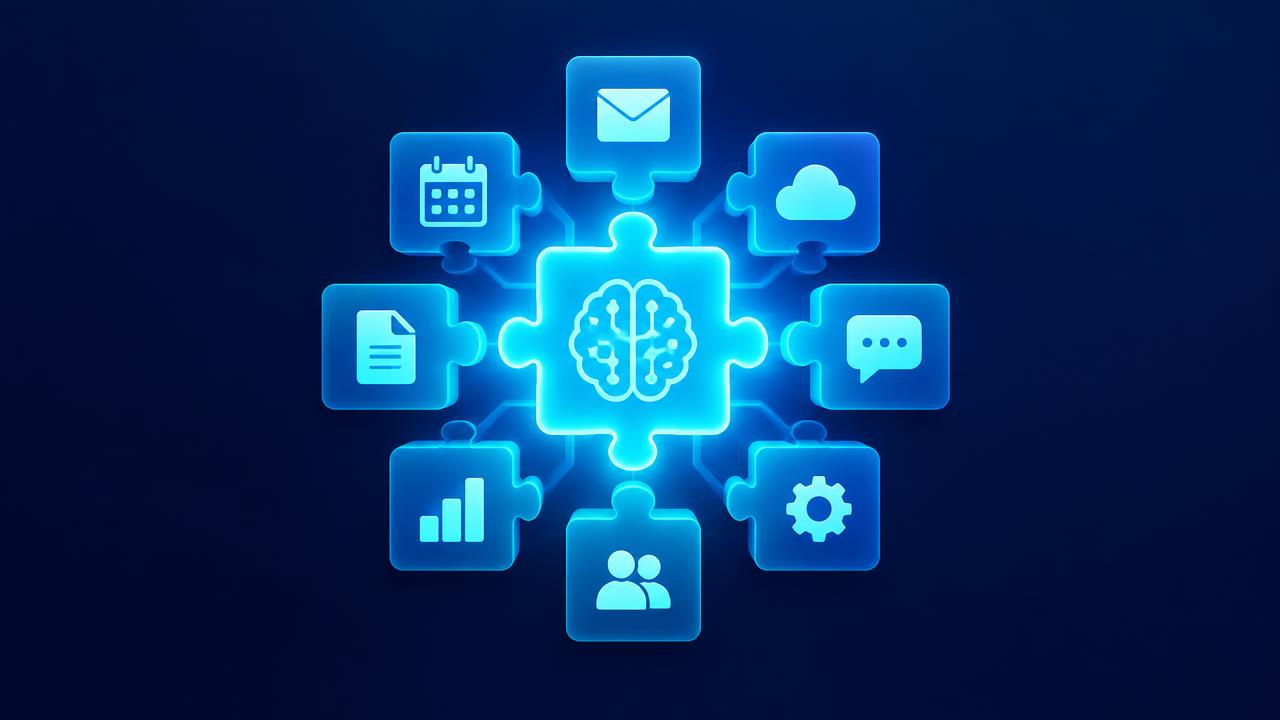
AI integration is the process of connecting artificial intelligence to your existing business systems, such as your CRM, email, calendar, accounting software, help desk, ecommerce platform, and databases. Integrated AI can read information from these systems, understand context, and take actions inside them.
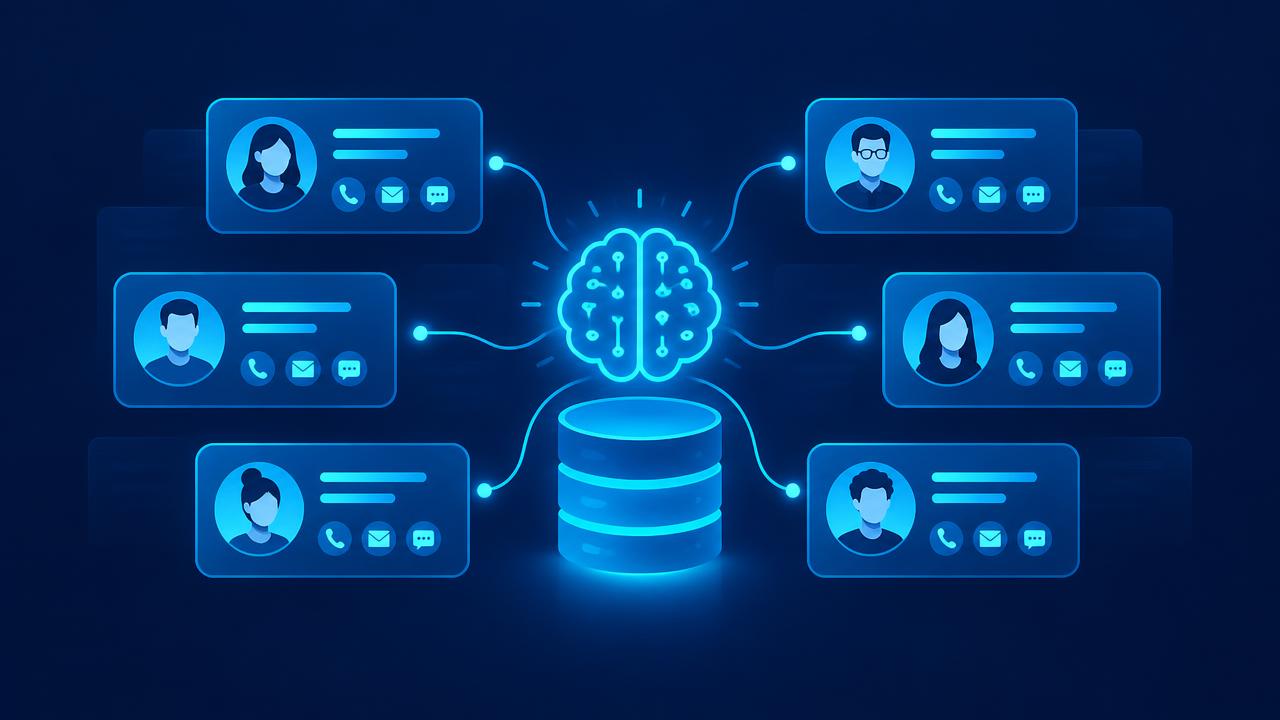
Without integration, AI is an isolated tool. Employees copy information into an AI assistant, get a response, and paste it back somewhere else. That helps a little, but it leaves most of the value on the table. With integration, AI works inside your workflows: it reads a new lead from your CRM, researches the company, drafts a reply, updates the record, and books a meeting, all without anyone copying and pasting.
Why integration is where AI value lives
Standalone AI tools are useful for individual productivity. But the biggest business gains come from redesigning workflows, and that requires AI to connect with your systems. Research from MIT Sloan Management Review and McKinsey consistently highlights that organizations capturing value from AI embed it into processes rather than treating it as a side experiment.
Integrated AI:
- Has context: it knows the customer, order, or project it is working on.
- Takes action: it updates records, sends messages, and triggers workflows.
- Removes manual steps: no more copying between tools.
- Scales: it handles volume without additional effort.
- Is measurable: actions and outcomes are logged in your systems.
Common systems to integrate with AI
- CRM: leads, contacts, deals, and activity. See AI CRM.
- Email and calendar: communication and scheduling.
- Help desk: tickets and knowledge base. See AI chatbots for customer service.
- Accounting: invoices, payments, and expenses. See AI document processing.
- Ecommerce and booking platforms: orders, products, and appointments.
- Project management: tasks, timelines, and status.
- Document storage: files, contracts, and knowledge.
- Marketing platforms: email, ads, and analytics.
- Communication tools: team chat and messaging.
- Databases and data warehouses: structured business data.
AI integration patterns
Pattern 1: Built in AI features
Many platforms include AI features that already have access to your data within that platform. They are the easiest to adopt but usually limited to one system.
Pattern 2: Integration platforms
Integration platforms connect apps through prebuilt connectors and let you add AI steps to workflows. They are a fast way to connect multiple systems without custom code. See AI workflow automation.
Pattern 3: Direct API integration
Most modern software offers APIs, which allow systems to exchange data and trigger actions programmatically. Custom integrations using APIs provide more control and flexibility for complex workflows.
Pattern 4: Knowledge integration
AI assistants can be connected to your documents and knowledge base so they answer questions using your information. This often uses retrieval techniques that find the most relevant content before generating an answer.
Pattern 5: Custom AI agents
Agents can use multiple tools, such as searching the CRM, checking a calendar, and sending an email, to complete multi step tasks. New standards are making it easier to connect AI models to business tools in a consistent way. See AI agents for business.
Most businesses use a combination of these patterns.
Planning an AI integration
Step 1: Start with the workflow
Choose a specific workflow to improve and map it step by step. Identify which systems are involved at each step and what data is needed.
Step 2: Inventory your systems
For each system, check whether it has an API or prebuilt connectors, what data and actions are available, and what authentication is required.
Step 3: Define data flows
Document what data moves where, in which direction, and when. Decide which system is the source of truth for each type of data.
Step 4: Design permissions
Give AI only the access it needs. Use dedicated service accounts with limited permissions, and require human approval for sensitive actions.
Step 5: Build and test
Build the integration, then test with realistic data and scenarios, including failures such as a system being unavailable.
Step 6: Monitor
Log every action the AI takes. Set up alerts for failures and unusual behavior.
Step 7: Iterate
Collect feedback, fix issues, and expand to additional workflows.
Data quality and integration
Integration exposes data quality problems. If your CRM has duplicate contacts or your product catalog has inconsistent names, AI will struggle. Before or during integration:
- Clean duplicates and standardize key fields.
- Define a source of truth for each data type.
- Set validation rules to prevent bad data entering systems.
- Monitor data quality over time.
Security and governance
Integrated AI can access and change important data, so security is critical.
- Least privilege: grant minimal necessary permissions.
- Secure credentials: store API keys and tokens securely, never in shared documents.
- Human approval: require review for high impact actions such as payments, refunds, or contract changes.
- Audit logs: record what the AI accessed and changed.
- Vendor review: understand how AI providers handle your data.
- Threat awareness: guard against prompt injection and data leakage, as described in the OWASP Top 10 for LLM Applications.
- Privacy compliance: follow laws such as GDPR where applicable.
Frameworks like the NIST AI Risk Management Framework and ISO/IEC 42001 provide structured approaches to governance.
Avoiding vendor lock in
The AI landscape changes quickly. Design integrations so you can switch AI models or tools without rebuilding everything:
- Keep business logic, prompts, and workflows documented and owned by your business.
- Use integration layers that abstract specific AI providers where practical.
- Avoid storing critical data only inside a single AI vendor's platform.
- Negotiate clear data ownership in contracts.
Common integration mistakes
- Starting with tools instead of workflows.
- Over permissioned AI accounts.
- No error handling or monitoring.
- Ignoring data quality.
- Building point to point connections that become unmanageable.
- No documentation.
Measuring integration success
- Manual steps eliminated.
- Time saved per workflow.
- Error rate in data transfer.
- Workflow completion time.
- System uptime and failure rate.
- Adoption by the team.
- Business outcomes linked to the workflow.
Our AI ROI guide explains how to build a business case for integration projects.
AI integration for small and midsize businesses
Smaller businesses often have simpler, more modern tool stacks, which makes integration easier. A practical approach:
- Pick the two or three systems at the center of your business, often CRM, email, and accounting.
- Connect them so data flows automatically.
- Add AI to one workflow that spans them, such as lead response or invoice processing.
- Expand gradually.
See AI for small business for more ideas.
Example integrated AI workflows
Lead to meeting
- A new form submission arrives on the website.
- The integration creates a contact in the CRM.
- AI enriches the record and scores the lead.
- AI drafts and sends a personalized reply with available meeting times from the calendar.
- When the lead books, the calendar event is created and the CRM is updated.
- AI prepares a meeting brief for the salesperson.
Support ticket to resolution
- A customer emails the help desk.
- AI classifies the request and looks up the customer's order in the ecommerce system.
- If it is a routine question, AI drafts a reply for an agent to approve or sends it automatically.
- If it requires action, AI creates a task for the right team with a summary.
- The CRM is updated with the interaction.
Invoice to payment
- A supplier invoice arrives by email.
- AI extracts the data and matches it to a purchase order in the accounting system.
- Matching invoices are queued for payment. Mismatches go to a finance reviewer.
- The supplier receives confirmation.
Project status reporting
- Every Friday, the integration pulls task status from project management, hours from time tracking, and budget data from accounting.
- AI writes a status summary for each project.
- Summaries are sent to project managers for review and then to clients.
Integration architecture basics
You do not need to be an engineer to understand the basic structure of a good integration:
- Sources: the systems where data originates.
- Integration layer: the connectors, platform, or custom code that moves data and triggers actions.
- AI layer: the models and agents that read, decide, and write.
- Destinations: the systems where results are stored or actions taken.
- Monitoring: logs, alerts, and dashboards that show what is happening.
Keeping these layers distinct makes integrations easier to maintain and change. For example, you can switch AI providers without rebuilding connections to your CRM.
Working with legacy systems
Not every system has a modern API. For older software, options include scheduled data exports and imports, database connections where appropriate and secure, email based integrations, and in some cases robotic process automation that interacts with user interfaces. These approaches are less elegant but can still deliver value. Over time, consider replacing legacy systems that block progress.
Testing integrations thoroughly
Integration failures can have real consequences, such as duplicate records, missed orders, or incorrect updates. Test carefully:
- Use a test environment where possible.
- Test normal scenarios, edge cases, and error conditions.
- Verify data is correct in every destination system.
- Test what happens when a connected system is slow or unavailable.
- Confirm permissions prevent unintended actions.
- Run a pilot with limited volume before full rollout.
Documentation and ownership
Every integration should have an owner and documentation that explains its purpose, the systems involved, data flows, permissions, error handling, and how to make changes. Documentation protects the business when people change roles and makes future improvements safer and faster.
Planning your integration roadmap
Once the first integration works, create a roadmap. List workflows that would benefit from AI integration, score them by value and effort, and identify shared components, such as a clean CRM connection or central customer data, that make multiple workflows possible. Building these shared foundations first often accelerates everything that follows.
Questions to ask before starting an integration project
- Which workflow are we improving, and what is the expected outcome?
- Which systems are involved, and do they offer APIs or connectors?
- Which system is the source of truth for each type of data?
- What permissions will the AI need, and which actions require approval?
- How will we monitor the integration and handle failures?
- Who owns the integration after launch?
Common integration scenarios for growing businesses
As businesses grow, a few integration patterns appear again and again. Connecting website forms, the CRM, and email ensures no lead is lost. Linking the ecommerce or booking platform with accounting keeps revenue records accurate. Connecting the help desk with the CRM gives service and sales a shared customer view. Linking project management with time tracking and invoicing speeds up billing. Each of these becomes even more valuable when AI is added to interpret, summarize, and act on the data flowing between systems.
Signs your business needs better integration
You probably need better integration if employees copy data between systems every day, reports require manual exports from several tools, customers receive inconsistent information from different teams, or leads and requests occasionally fall through the cracks. These symptoms point to disconnected systems, and they are exactly the problems AI integration is designed to solve.
Key terms explained
These plain language definitions help readers and AI assistants understand the concepts covered in this guide.
- API: An application programming interface, which lets software systems exchange data and trigger actions.
- Connector: A prebuilt integration between two systems.
- Webhook: A message one system sends to another automatically when an event occurs.
- Integration platform: Software that connects many systems and orchestrates workflows between them.
- Middleware: Software that sits between systems to translate and route data.
- Least privilege: Giving each integration only the permissions it needs.
- Idempotency: Designing actions so repeating them does not create duplicates.
Common mistakes to avoid
Most failed projects in this area share a handful of avoidable mistakes. Watch for these as you plan and roll out your work:
- Giving integrations broader permissions than they need.
- Creating duplicate records because systems disagree on the source of truth.
- Launching without logging, alerts, or an owner.
- Skipping tests for failures and slow systems.
- Hard coding logic in ways that make changing AI providers difficult.
- Connecting everything at once instead of starting with one valuable workflow.
Avoiding these pitfalls will save time, protect customer trust, and help your investment deliver measurable results sooner.
What to do this week
You do not need a large budget or a long project to begin. List the systems your team uses daily and mark where people copy data between them. Choose the workflow with the most manual copying, confirm which system is the source of truth for each field, and check whether connectors or APIs exist. Start with one integration, grant only the permissions it needs, and add logging and an owner from day one. Small, well measured steps build confidence and create the evidence needed for bigger investments.
How VANGAI helps
VANGAI specializes in connecting AI to the tools businesses already use. We map your workflows, design secure integrations, build custom agents where needed, and monitor and improve systems over time. You keep full ownership of everything we build. Learn more about our AI integration and tech stack service.
The bottom line
AI integration is where AI stops being a novelty and starts transforming how your business works. Start with a specific workflow, connect the systems it depends on, give AI only the access it needs, monitor everything, and expand step by step.
Ready to connect AI to your tech stack? Book a free discovery call and we will map your integration opportunities.
Frequently asked questions
What is AI integration?
AI integration connects artificial intelligence to your existing business systems such as CRM, email, accounting, and help desk, so AI can use your data and take actions inside real workflows.
Can AI integrate with my existing software?
Most modern software offers APIs or prebuilt connectors that allow AI integration. Built in AI features and integration platforms are also common options.
Is AI integration secure?
It can be, with least privilege permissions, secure credential storage, human approval for sensitive actions, audit logs, vendor review, and protection against AI specific threats.
How long does AI integration take?
Simple integrations using prebuilt connectors can take days. Custom integrations across several systems typically take a few weeks including testing.
How do I avoid AI vendor lock in?
Own your prompts, workflows, and data, document your logic, use integration layers where practical, and negotiate clear data ownership terms.
Sources and further reading
Ready to put this into action?
Book a free discovery call and we will map the highest impact AI opportunities for your business.
Book a Call →