AI Integration for Growing Companies: Connecting AI to Your CRM, ERP, and Everyday Tools
How growing companies in logistics, healthcare, SaaS, and services integrate AI with their CRM, ERP, help desk, and communication tools without replacing their tech stack.
By the VANGAI team · · 4 min read
Key takeaways
- AI integration connects AI capabilities to the software you already use, so you get value without replacing your tech stack.
- The most common integrations link AI to CRMs, ERPs, help desks, calendars, phone systems, and document storage.
- Different industries prioritize different connections, from shipment data in logistics to EHR scheduling in healthcare.
- Security, permissions, and monitoring are essential parts of any integration.
What is AI integration?
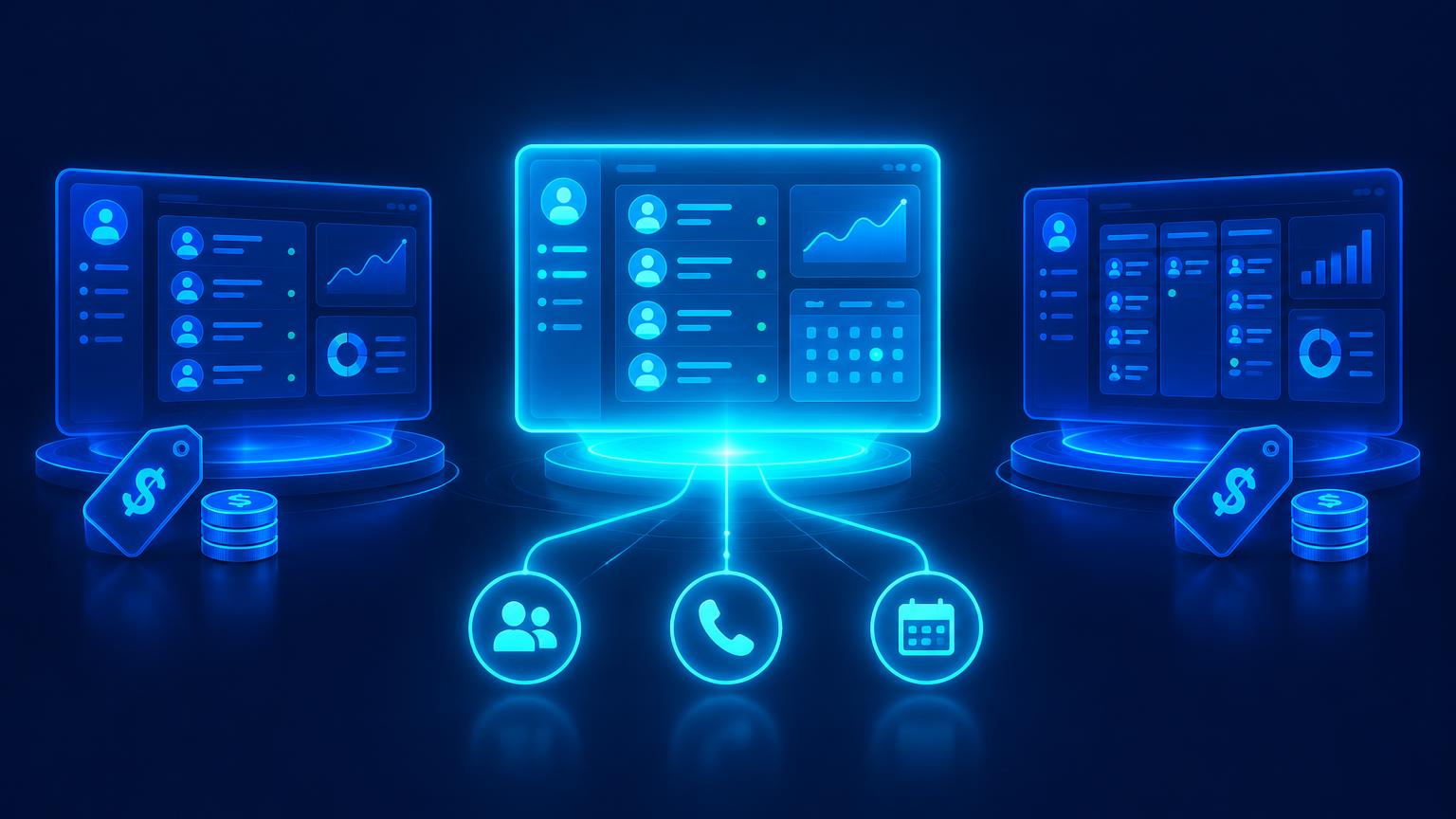
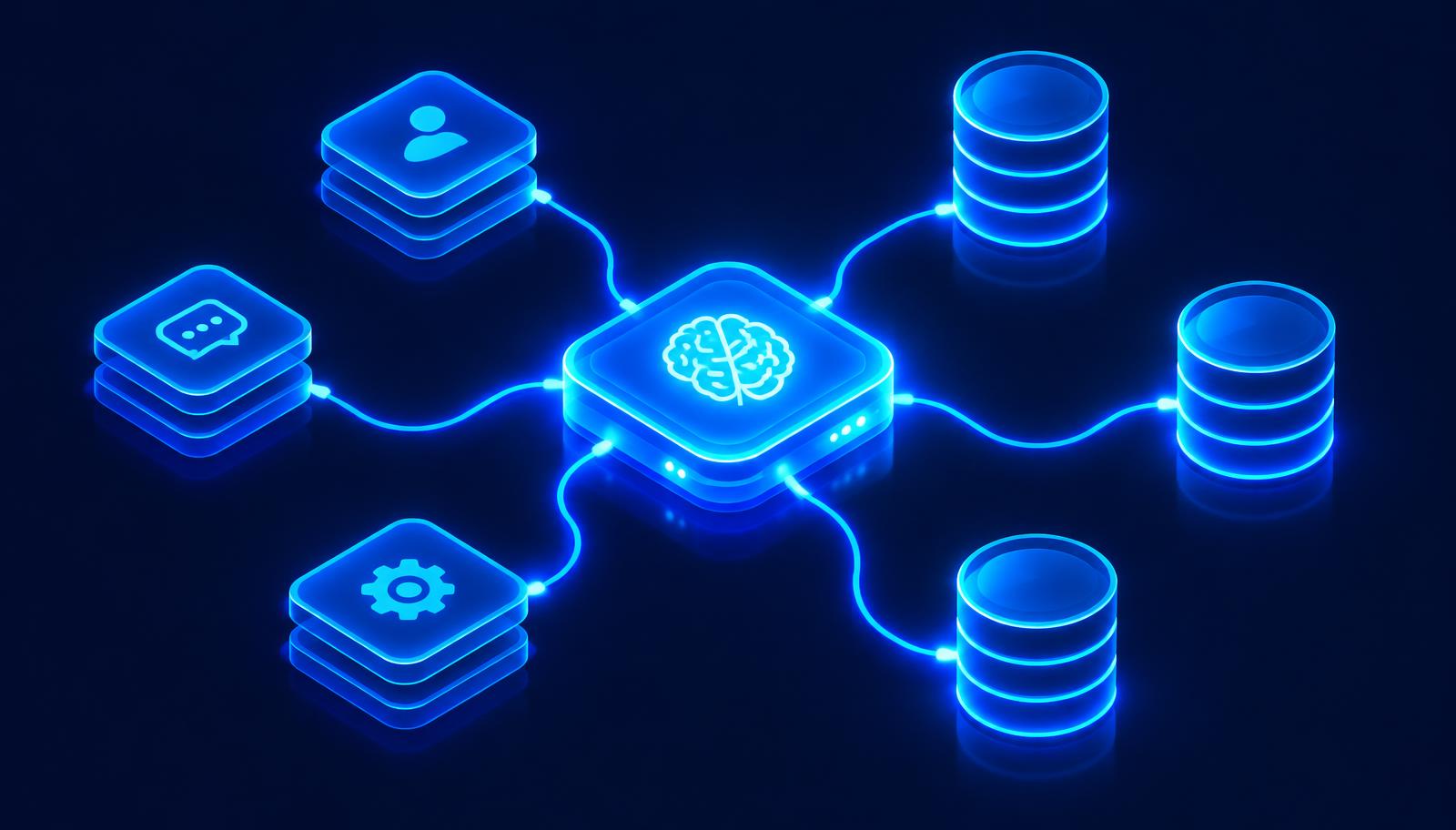
AI integration means connecting artificial intelligence to the systems where your work already happens. Instead of asking staff to copy information into a separate AI tool, integrated AI reads from and writes to your CRM, ERP, help desk, calendar, and document storage directly.
Our AI integration and tech stack service handles the design, build, and monitoring of these connections. For a general overview, see AI integration.
Why integration matters more than the model
The most capable AI model is not useful if it cannot see your customer history or update your order system. Integration is what turns AI from a smart chat window into a working member of the team. It also avoids a common trap: adding yet another disconnected tool that creates more manual work.
Common integration points
- CRM: lead details, contact history, deal stages, and tasks.
- ERP and accounting: orders, invoices, inventory, and payments.
- Help desk: tickets, knowledge base articles, and customer history.
- Calendars and scheduling: availability, bookings, and reminders.
- Phone and messaging: calls, texts, chat, and email.
- Document storage: contracts, policies, and project files.
- Data warehouse: analytics and reporting.
Integration by industry
Logistics and distribution
AI reads shipment status from transport systems, answers "where is my order" questions, processes emailed purchase orders into the ERP, and alerts teams to delays. See our AI for logistics guide.
Healthcare clinics
AI connects to scheduling systems for bookings and reminders, and to intake tools for forms. Integrations must use compliant vendors and limit access to the minimum necessary data. Interoperability standards like HL7 FHIR are increasingly used for healthcare data exchange.
SaaS and technology companies
AI links product usage data, CRM, and support tools to flag churn risk, route tickets, and personalize onboarding. Read AI for SaaS companies.
Professional and home services
AI connects phone systems, CRMs, field service software, and payment tools so a call becomes a booked job and an invoice without manual entry.
Ecommerce
AI connects store platforms, inventory, shipping, and support so assistants answer order questions and merchandisers get forecasts.
How integrations are built
- Map the workflow. Identify the trigger, the data needed, and the action to take.
- Check available connections. Most modern software offers APIs or native integrations.
- Design permissions. Give the AI only the access it needs.
- Build and test. Use real but safe data and test edge cases.
- Monitor. Log every action, track errors, and alert on failures.
- Improve. Refine prompts, rules, and connections based on results.
Emerging standards such as the Model Context Protocol make it easier to give AI agents structured, controlled access to tools and data.
Security and governance
Integrated AI can take real actions, so guardrails matter:
- Least privilege access and separate service accounts.
- Human approval for sensitive actions like refunds or record deletion.
- Audit logs for every AI action.
- Protection against prompt injection, following the OWASP Top 10 for LLM Applications.
- Vendor reviews covering data retention and training policies.
Signs you need AI integration
- Staff copy and paste between systems every day.
- Customers wait while staff look up information in several tools.
- AI tools you bought sit unused because they do not connect to anything.
- Reports require manual exports and spreadsheets.
Measuring the impact
- Hours of manual data entry eliminated.
- Response and processing times.
- Error rates in records and orders.
- Adoption of AI features by staff.
The bottom line
AI delivers the most value when it lives inside your existing tools. Thoughtful integration lets growing companies add AI capabilities without replacing their tech stack, while keeping data secure and actions auditable.
Want AI that works with the software you already pay for? Book a free discovery call and we will map your integration opportunities.
Frequently asked questions
What is AI integration?
AI integration connects AI models and agents to your existing software, such as your CRM, ERP, help desk, and calendar, so AI can read data and take actions inside those tools.
Do I need to replace my software to use AI?
Usually not. Most modern business software offers APIs or integrations, so AI can be added to your current tech stack.
Is it safe to let AI update my business systems?
It can be with least privilege access, human approval for sensitive actions, audit logs, and security testing against risks like prompt injection.
Which systems should I integrate with AI first?
Start where staff spend the most time moving data by hand, often the CRM, help desk, or order processing system.
Sources and further reading
Ready to put this into action?
Book a free discovery call and we will map the highest impact AI opportunities for your business.
Book a Call →