AI Customer Support Automation: Resolve More Tickets With a Smaller Team
A practical guide to AI customer support automation: what to automate first, how to keep quality high, which metrics matter, and a rollout plan for growing teams.
By the VANGAI team · · 6 min read
Key takeaways
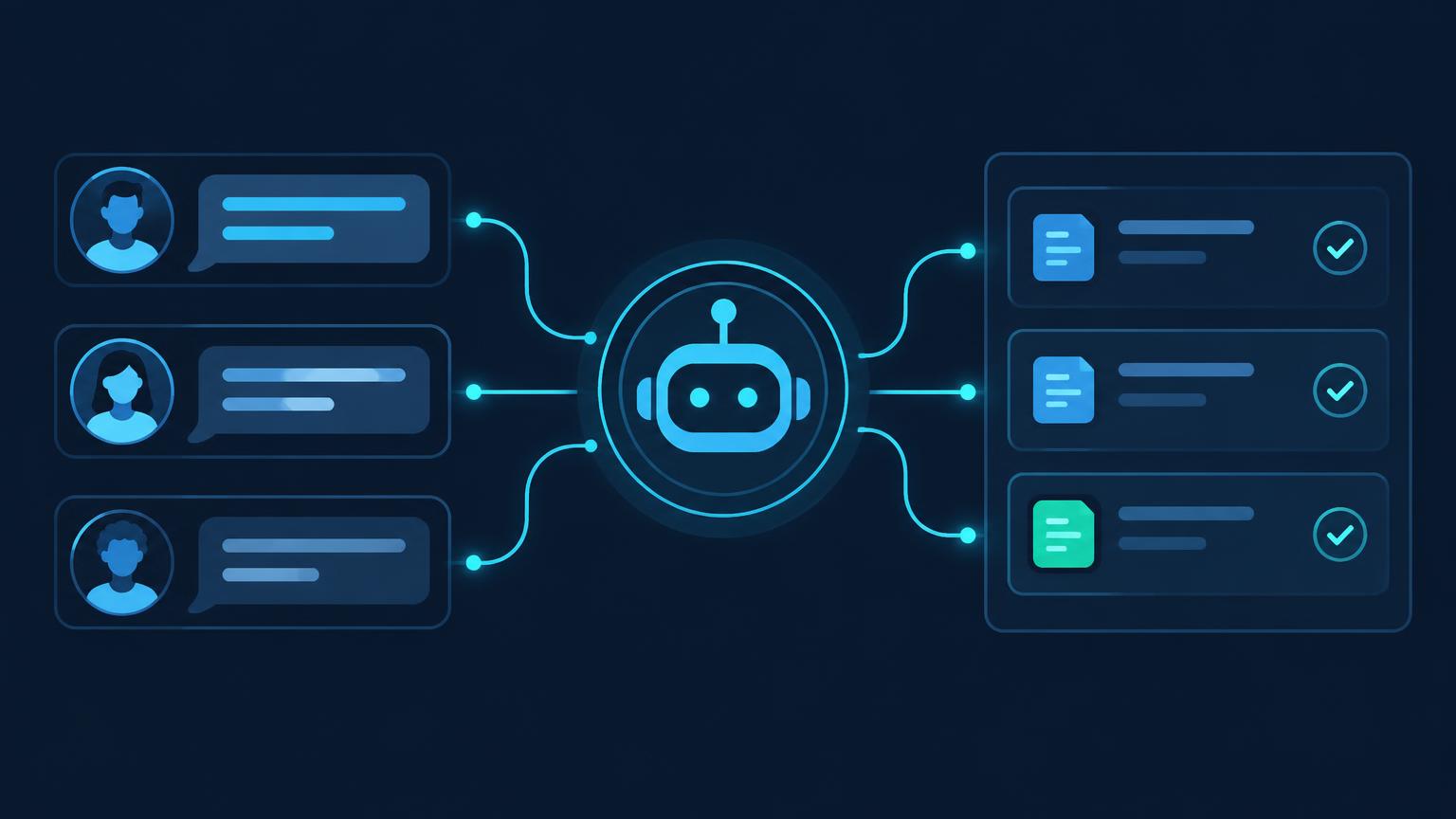
- AI customer support automation resolves routine questions instantly, drafts answers for agents, and routes complex issues to the right person.
- Most teams start by automating their top ten to twenty question types, which often cover the majority of ticket volume.
- Quality depends on a clean knowledge base, clear escalation rules, and regular review of AI answers.
- Measure resolution rate, first response time, customer satisfaction, and cost per ticket to prove impact.
What is AI customer support automation?
AI customer support automation uses artificial intelligence to handle customer questions across chat, email, and messaging channels without waiting for a human agent. It includes answering common questions instantly, drafting replies for agents to approve, tagging and routing tickets, and summarizing conversations for handoffs.
Older support automation relied on rigid decision trees and keyword matching. Modern AI understands intent. A customer who writes "my order never showed up" and one who writes "where is my package" get the same helpful answer, because the system understands what they mean rather than matching exact words.
Why support teams are turning to AI
Support volume grows with your business, but headcount rarely grows at the same pace. The result is longer queues, burned out agents, and customers who leave after one bad experience. Research from Zendesk's CX Trends reports consistently shows that customers expect fast answers around the clock, and that most will switch companies after repeated poor service.
AI changes the math. Routine questions get answered in seconds at any hour. Agents spend their time on the conversations that actually need judgment, empathy, and authority to make exceptions. The team handles more volume without more hires, and customers get faster help.
What to automate first
Instant answers to common questions
Pull your last three months of tickets and group them by topic. In most businesses, ten to twenty question types account for the majority of volume: order status, password resets, return policies, pricing questions, booking changes, and basic troubleshooting. These are your first automation targets.
Ticket triage and routing
AI can read every incoming message, identify the topic and urgency, tag it, and send it to the right queue or person. Urgent issues from high value customers can jump the queue automatically.
Draft replies for agents
For questions that need a human, AI can draft a suggested reply using your knowledge base and past resolutions. The agent reviews, edits if needed, and sends. This alone often cuts handle time significantly.
Summaries and handoffs
When a conversation moves between agents or channels, AI summarizes what happened so the next person starts with full context instead of asking the customer to repeat themselves.
Follow up and satisfaction checks
After a ticket closes, AI can send a follow up, collect a satisfaction rating, and reopen the conversation if the customer is not satisfied.
The foundation: your knowledge base
AI support is only as good as the information it can draw from. Before automating, make sure your help center, policies, and internal docs are accurate and current. Every wrong answer the AI gives traces back to a gap or error in the source material.
A practical approach:
- Audit your existing help articles against the top ticket topics.
- Fill the gaps with short, clear articles written in the customer's language.
- Assign an owner who keeps the knowledge base current as products and policies change.
Our guide to AI chatbots for customer service goes deeper on how the conversation layer works on top of this foundation.
Keeping quality high
Automation without quality control damages trust quickly. Three practices keep quality high:
Start in draft mode
Let the AI draft replies that agents approve before sending. Review accuracy daily. Once a question type proves reliable, graduate it to fully automatic answers.
Set clear escalation rules
Define exactly when the AI hands off to a human: billing disputes above a threshold, angry or distressed customers, anything involving legal or safety topics, and any time the AI is not confident. A fast, graceful handoff is far better than a wrong answer.
Review a sample every week
Have a team lead read a random sample of AI handled conversations each week. Score them for accuracy, tone, and resolution. Feed what you learn back into the knowledge base and prompts.
Metrics that matter
- Resolution rate: the share of conversations the AI resolves without a human.
- First response time: how long customers wait for a first reply.
- Customer satisfaction (CSAT): ratings after AI handled conversations, compared with agent handled ones.
- Cost per ticket: total support cost divided by ticket volume.
- Agent handle time: how long agents spend on the tickets that reach them.
- Escalation rate: how often the AI hands off, and whether those handoffs were appropriate.
Common mistakes to avoid
- Automating everything at once. Start with your top question types and expand as accuracy is proven.
- Hiding the human option. Customers should always be able to reach a person. Trapping them in a bot loop destroys trust.
- Ignoring the knowledge base. Stale or missing articles produce wrong answers at scale.
- Measuring deflection only. A ticket the AI "deflected" by frustrating the customer into giving up is a failure, not a win.
- No owner. Someone must own answer quality, escalation rules, and continuous improvement.
Responsible AI in support
Support conversations involve personal data, so handle them carefully. Follow privacy laws such as GDPR where they apply, tell customers when they are talking to an AI, and keep a clear record of what the system said and did. The NIST AI Risk Management Framework offers practical guidance for governing systems like these.
A 60 day rollout plan
Days 1 to 15
- Analyze ticket history and pick the first automation targets.
- Audit and fill gaps in the knowledge base.
- Define escalation rules and quality standards.
Days 16 to 40
- Launch in draft mode with agents approving AI replies.
- Review accuracy daily and fix knowledge gaps.
- Turn on automatic triage and routing.
Days 41 to 60
- Graduate the most accurate question types to fully automatic answers.
- Add summaries, follow ups, and satisfaction checks.
- Review metrics against the baseline and plan the next wave.
How VANGAI helps support teams
VANGAI builds AI support systems that connect to your existing channels and tools, answer routine questions around the clock, and hand complex issues to your team with full context. Learn more about our custom AI agent services.
The bottom line
AI customer support automation lets a small team deliver fast, consistent, around the clock service. Start with your most common questions, build on a clean knowledge base, keep humans in charge of quality, and measure resolution rate and satisfaction, not just deflection.
Ready to give your customers instant answers? Book a free discovery call and we will show you where to start.
Frequently asked questions
What support tasks can AI automate?
AI can answer common questions instantly, triage and route tickets, draft replies for agents, summarize conversations for handoffs, and send follow ups and satisfaction checks.
Will AI replace my support team?
No. AI handles routine volume so your team can focus on complex, sensitive, and high value conversations where human judgment matters.
How accurate is AI customer support?
Accuracy depends on the quality of your knowledge base and escalation rules. Teams that start in draft mode and review answers weekly typically reach high accuracy on routine questions within weeks.
What do I need before automating support with AI?
A help center or knowledge base with accurate articles, a record of past tickets to analyze, clear escalation rules, and baseline metrics so you can measure improvement.
How long does it take to see results?
Most teams see faster first response times immediately, and meaningful resolution rates within the first month as the top question types are automated.
Sources and further reading
Ready to put this into action?
Book a free discovery call and we will map the highest impact AI opportunities for your business.
Book a Call →